Pens
Pens that draw in the air or on whiteboards in VRChat worlds, held through VRChat's pickups or yours, with ink kept for late joiners.
Pens that draw in the air or on boards, the same way on VR, desktop and phones, for everyone in the room and for whoever joins later. The set is four slim pens, an eraser and a tray:
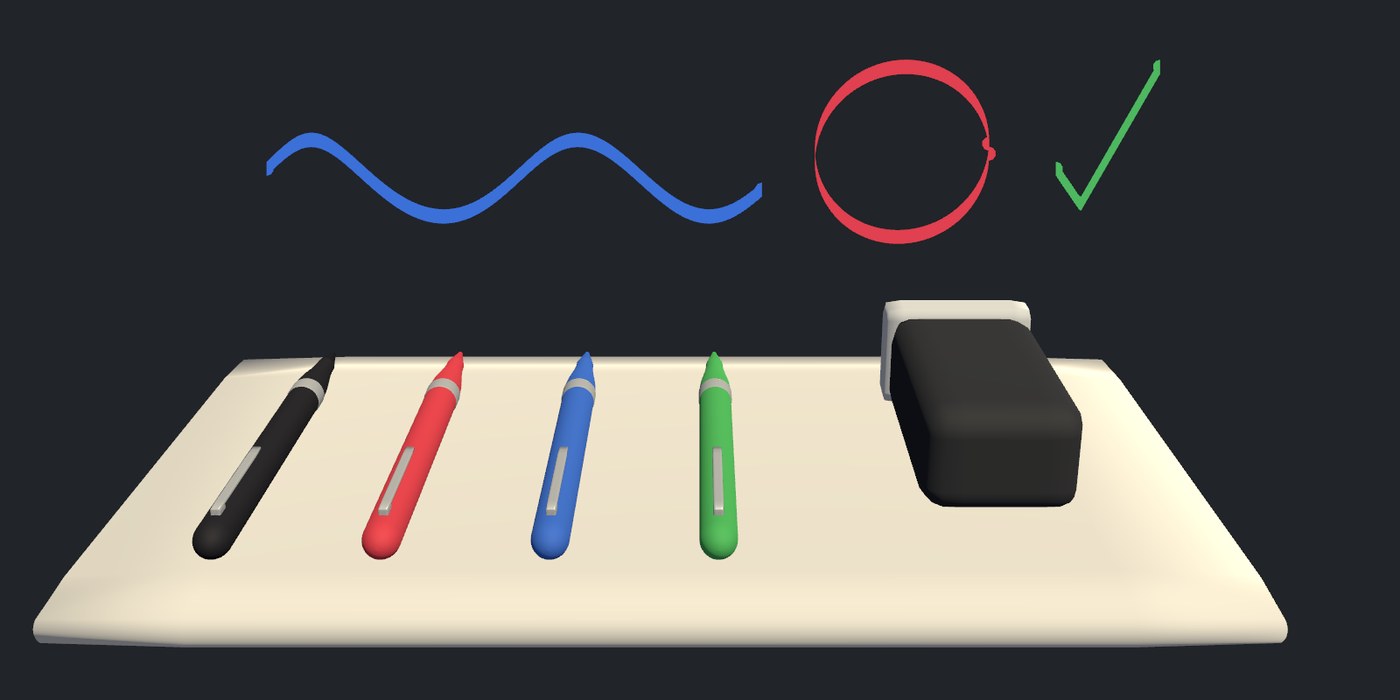
In VR the ink comes from the tip and lies flat on a board the tip touches. On desktop and phones it
goes where the player looks, onto a board or half a metre ahead in the air, or comes from the tip of
the pen in their hand when the world sets desktopAim to Tip. Strokes appear for
everyone as they are drawn, and a player who joins later sees the ink that was already there. How
smooth the lines are and how much the pens send are settings, with presets on one inspector.
A pen is held through VRChat's own pickup by default, or through any pickup system you already use:
public class Grabbable : UdoniteBehaviour
{
    public Pen pen;

    public void Grabbed() => pen.SetHeld(true);
    public void Released() => pen.SetHeld(false);
    public void TriggerDown() => pen.SetUse(true);
    public void TriggerUp() => pen.SetUse(false);
}
What is here
Pen |
Draws one colour, width and ink style while held |
Eraser |
Rubs out whole strokes, or paints a pixel board's background |
Whiteboard |
A surface pens draw on, with ink or a grid of pixels |
ClearButton |
Clears boards, or all ink, for everyone |
PenWorld |
The scene's ink, with the settings for every pen |
| Udonite > Pens | Menu items that build a pen set, boards and clear buttons |
Start with Getting started. Your own pickup covers holding pens through another system, Boards the two kinds of board, and Network settings how to tune what the pens send.